Special tutorial: Create pet portraits using Knitwise templateUpdated 6 months ago
Here is a video guide to help you design a custom pet sweater:
Helpful Tips
- 1. Picking a photo
Examples of Good Photos: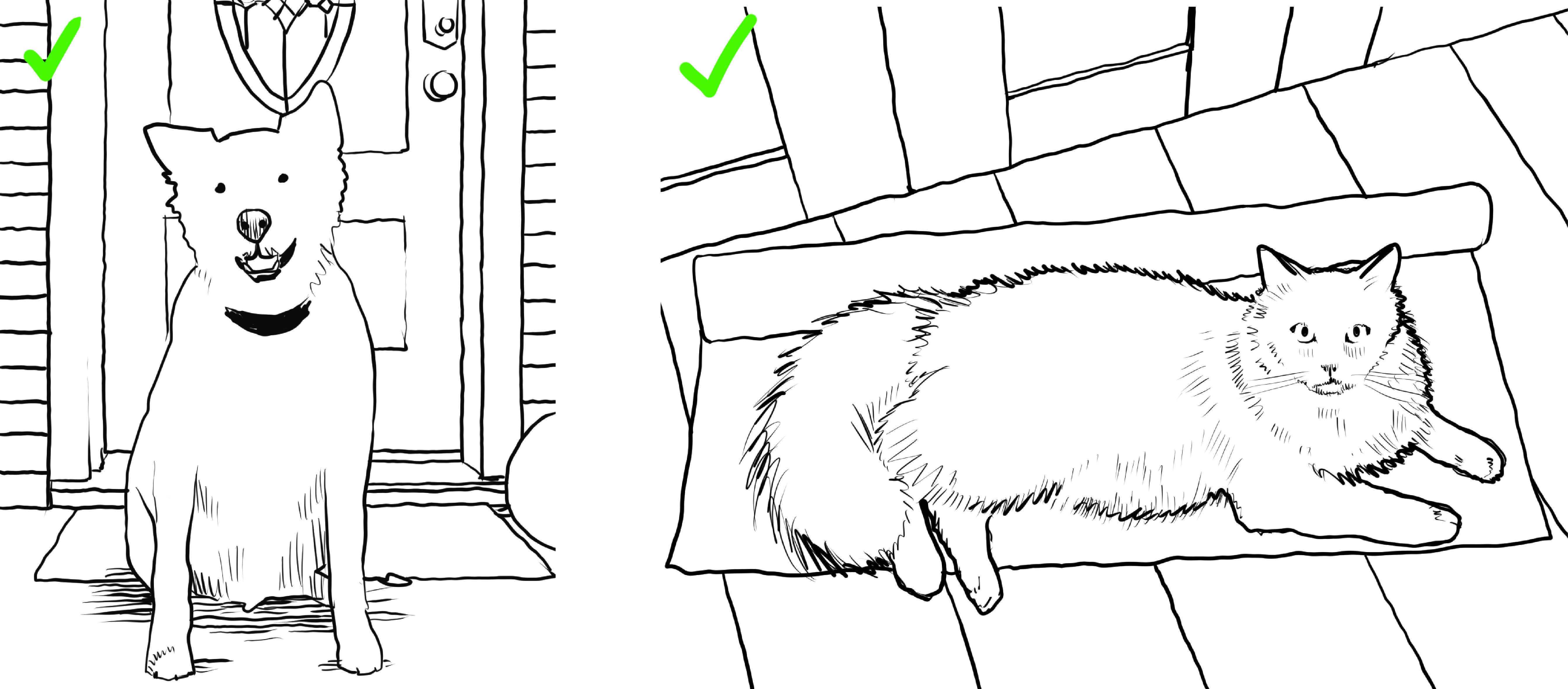 What to avoid when picking a photo
 - Avoid any photo obtained by photographing a screen.
- Avoid retouched, filtered or heavily processed photos.
- Avoid including very colorful accessories (like colorful hats, clothes with patterns, food).
- Avoid photos where the background of the same color as pet.
- Avoid retouched, filtered or heavily processed photos.
- 2. Lighting
- Natural light is best.
- Avoid strong direct light.
- Avoid photos where shadow cover your pet.
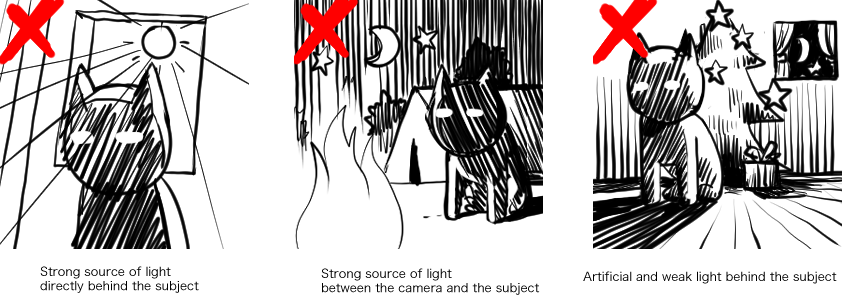
- 3. Framing
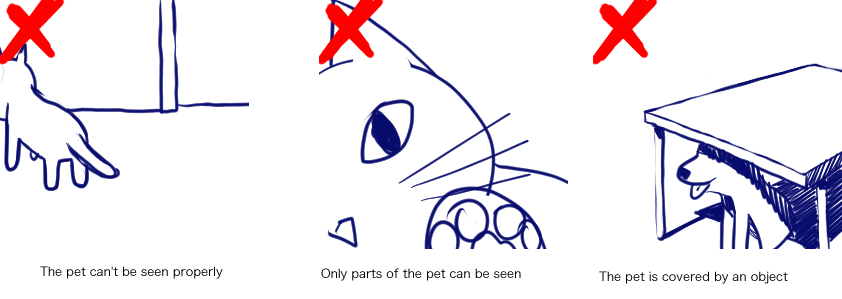
- The entire pet should be in the frame: the paws, ears, tail or any other part should be visible.
- Avoid Photos where anything is getting in the way of seeing your pet clearly. For example, the pet should not be hiding behind a chair, or swimming in a pool. This also includes pet being held by somebody.
- Avoid awkward angles, for example when the photo is taken directly from above the pet.
- Avoid situations where the pet is too far away from the camera.
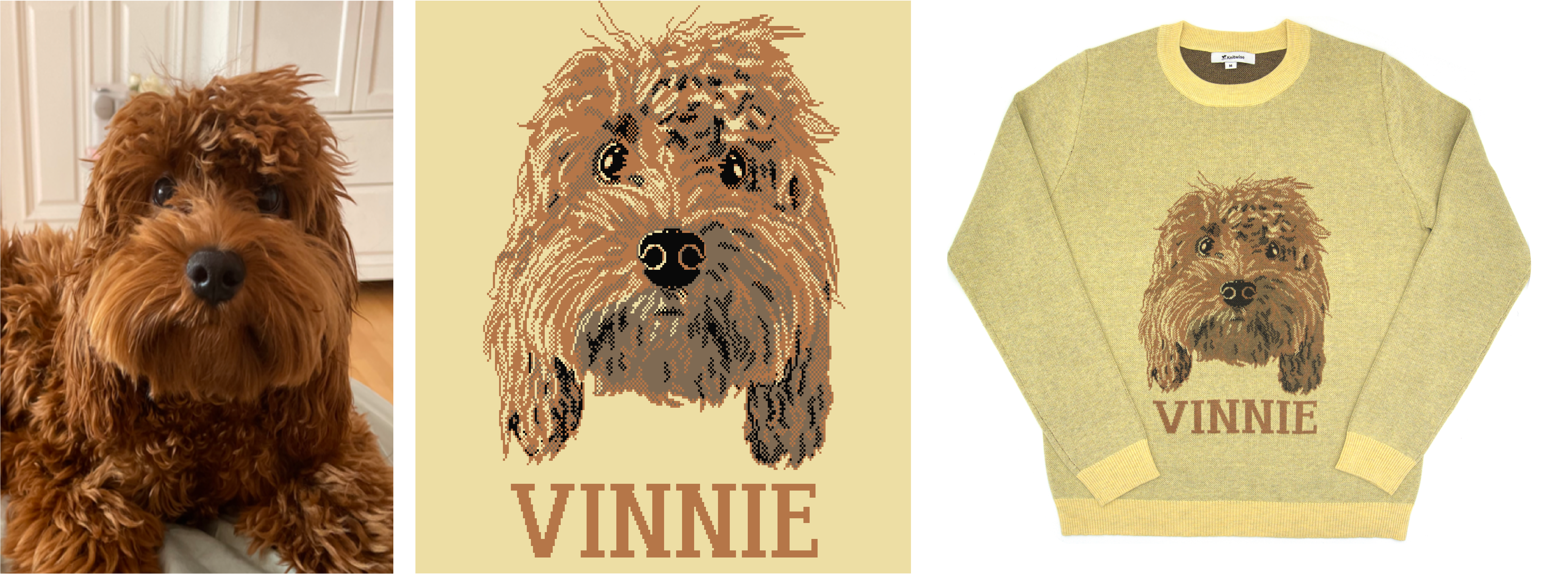
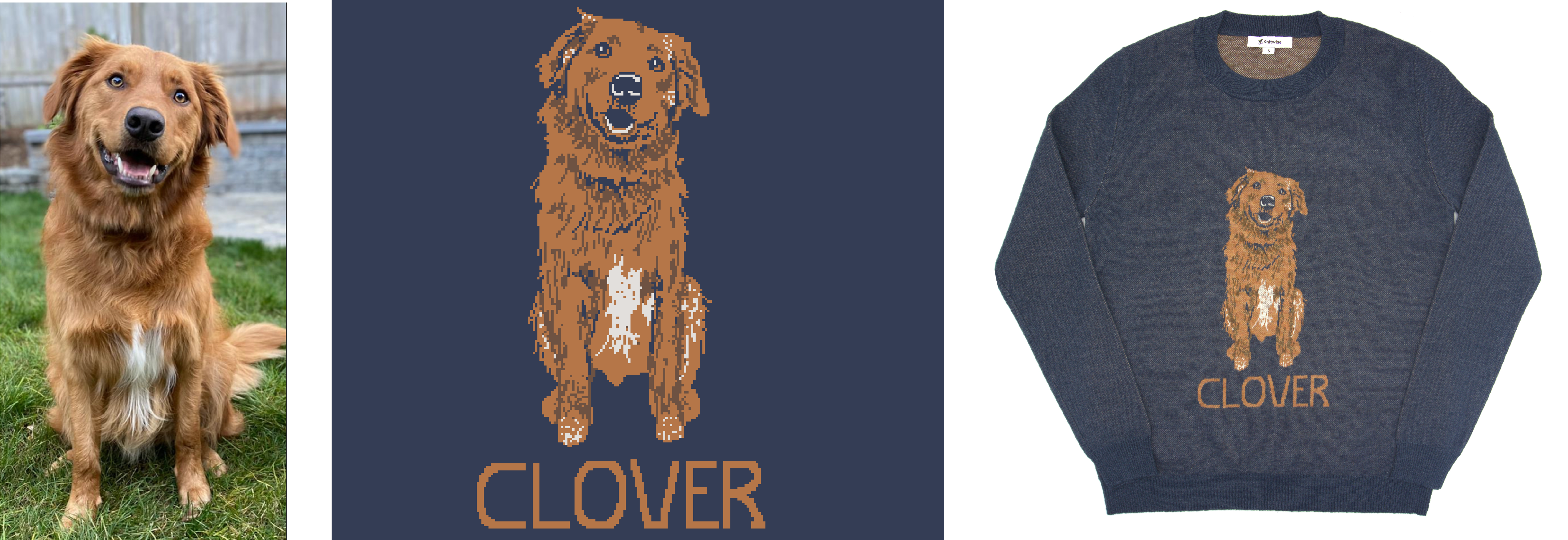
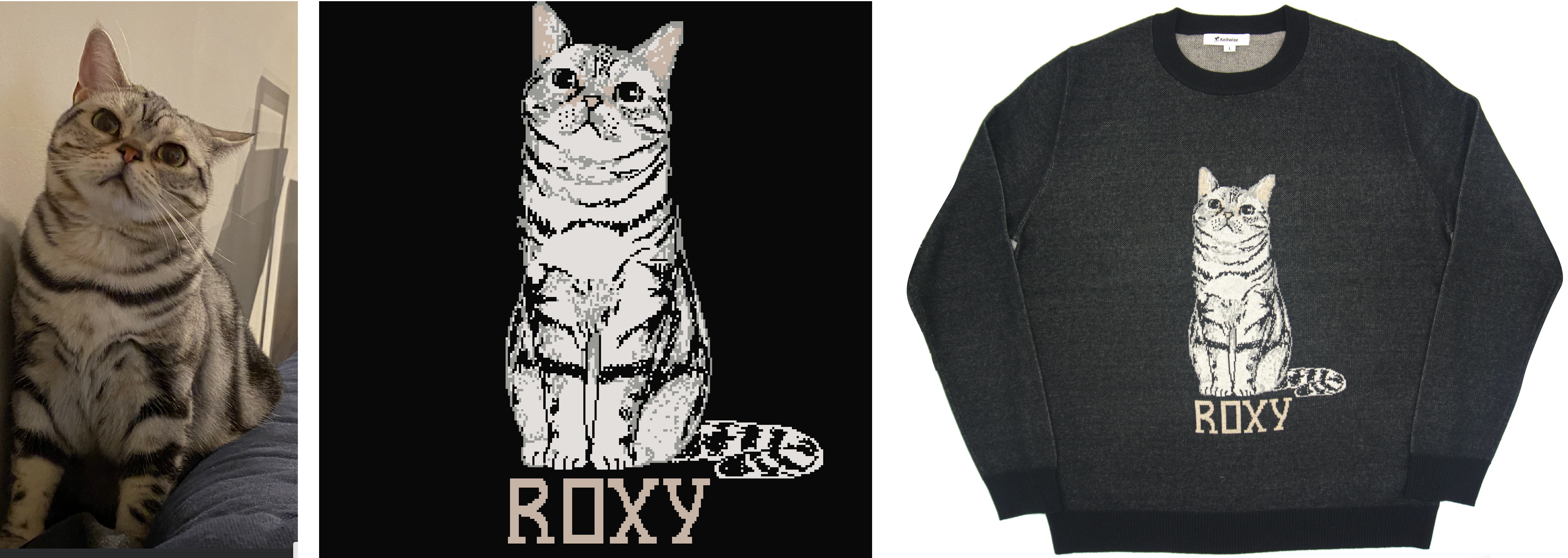
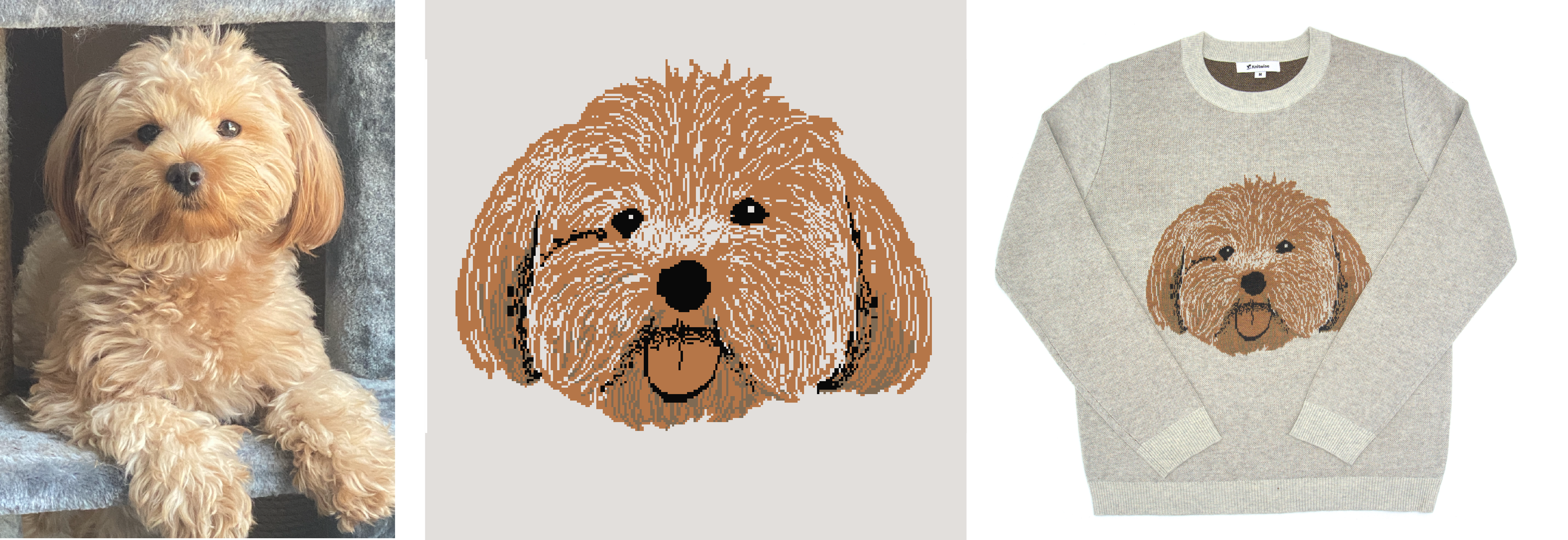
Examples of Successful Pet Portraits